Frequency Visualiser
A dynamic real-time waveform rendering tool
Wave Visualizer
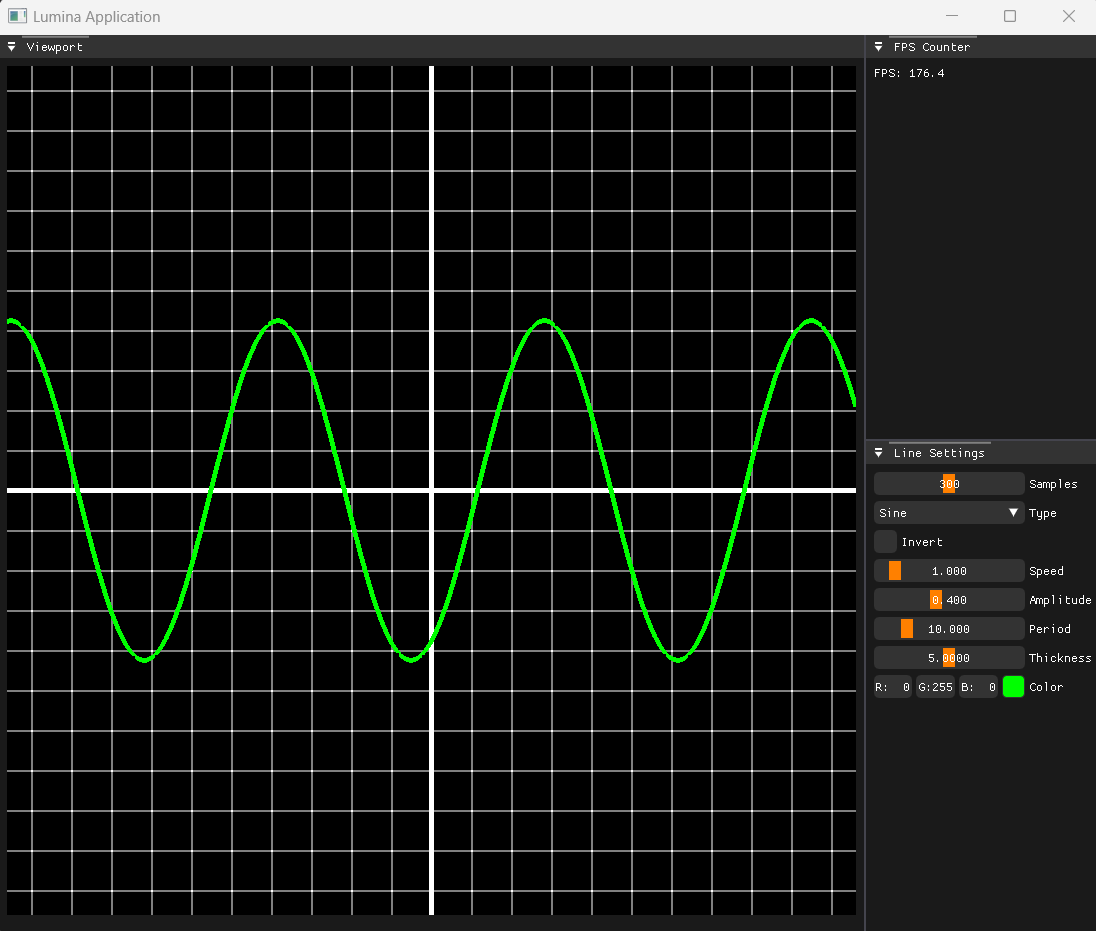
Wave Visualizer is a dynamic real-time waveform rendering tool built using the custom C++ application framework Lumina. It allows users to display and interact with a variety of waveforms such as sine, square, triangle, exponential, and more.
✨ Features
- 🎛️ Real-time waveform rendering with customizable parameters
- 🔁 Supports multiple waveform types:
- Sine
- Cosine
- Square
- Triangle
- Sawtooth
- Pulse (with duty cycle control)
- Noise
- Exponential decay
- Absolute Sine
- ⚙️ Adjustable properties:
- Amplitude
- Speed
- Period
- Line Thickness
- Sample Count
- Color
- 🔄 Waveform inversion toggle
- 🧰 Built entirely with Lumina, my custom C++ application rendering framework
📊 Waveform Types
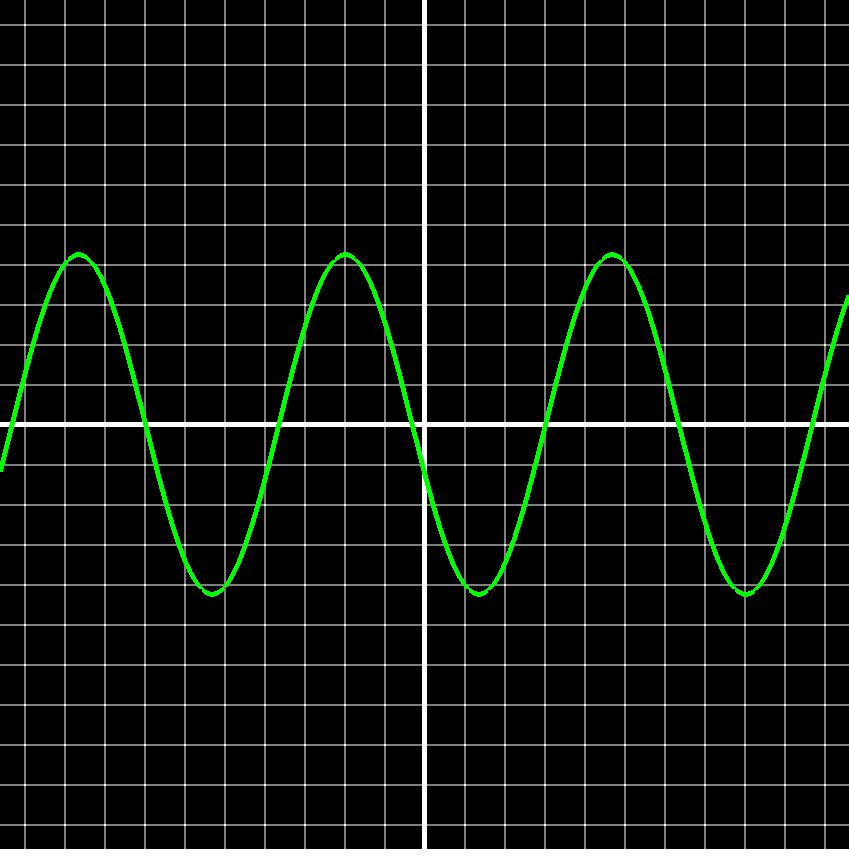
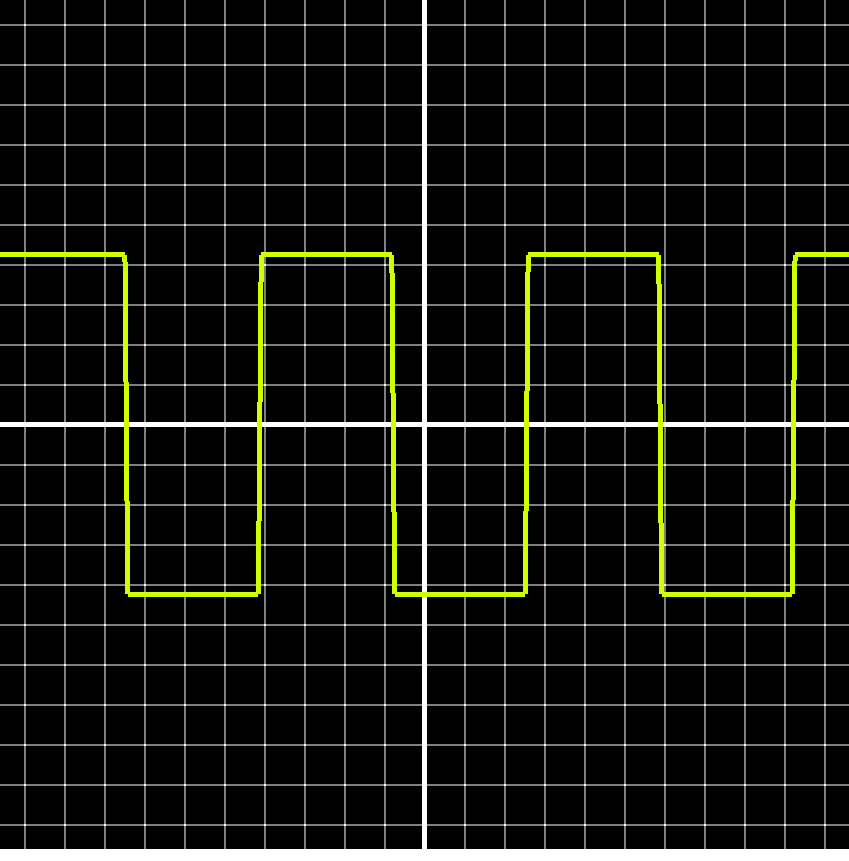
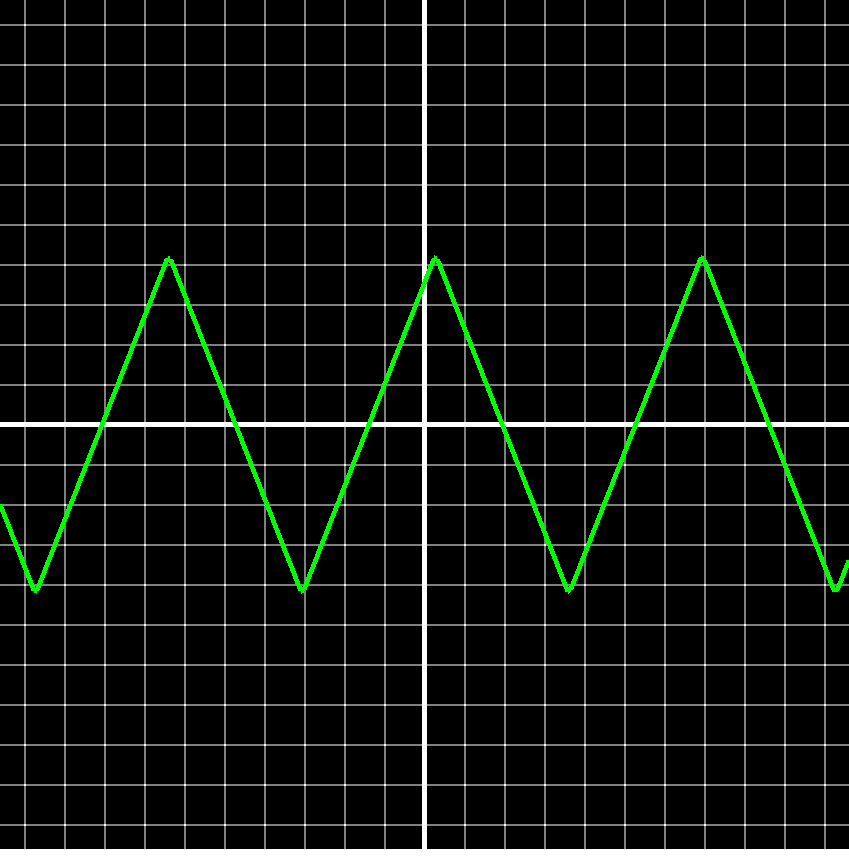
Below are examples of each waveform that can be visualized in the application:
Sine Wave
Square Wave
Triangle Wave
Sawtooth Wave
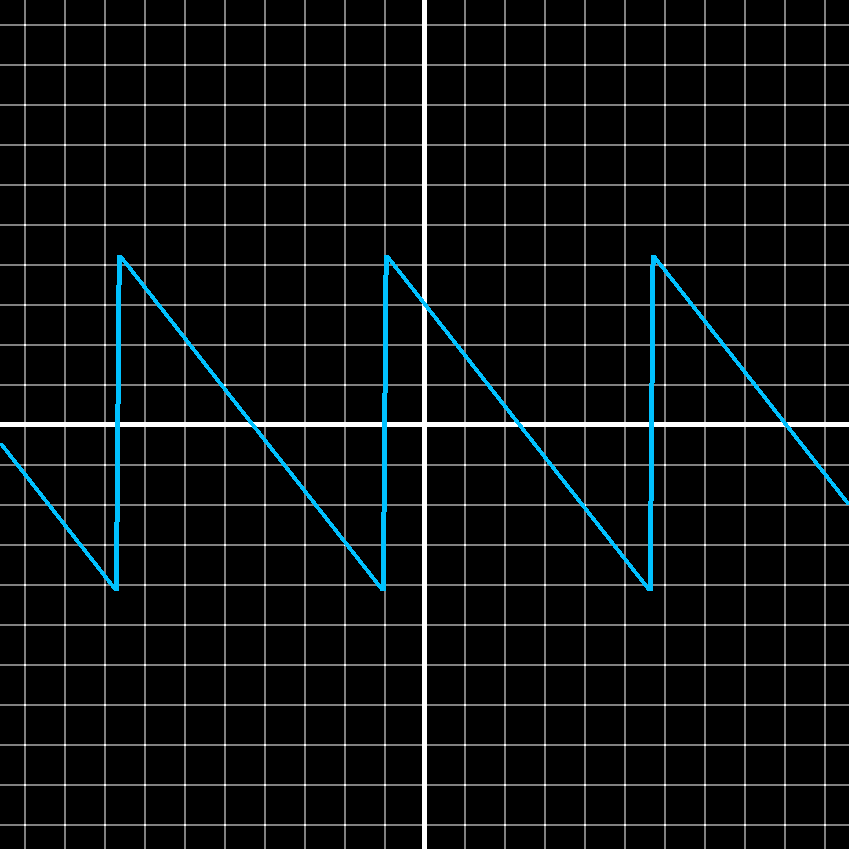
Pulse Wave
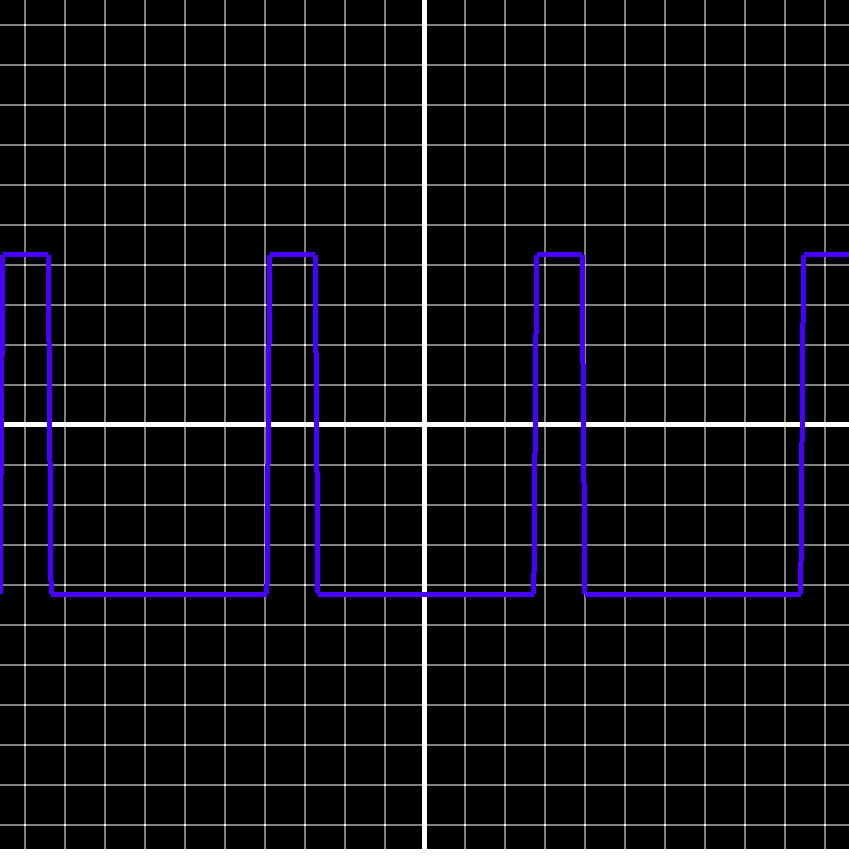
Noise Wave
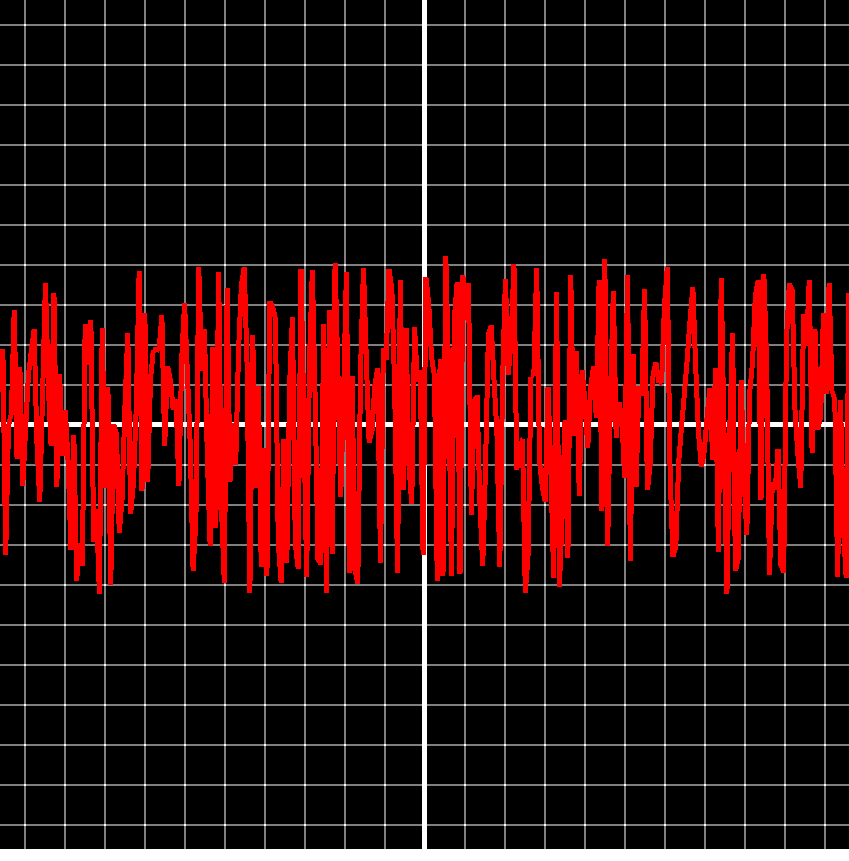
Exponential Wave
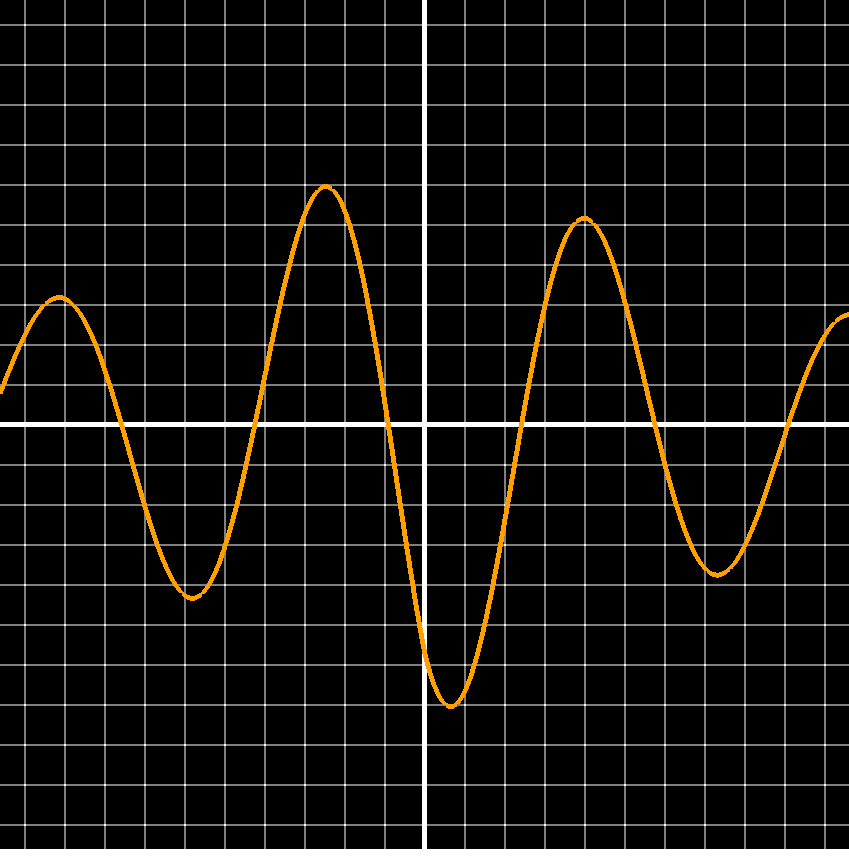
🛠️ Built With
This project is built using the Lumina framework — a custom C++ application and rendering engine that simplifies OpenGL development while supporting modern rendering patterns.
🧪 Running the Project
- Clone the repository with all dependencies:
git clone --recursive https://github.com/stephen-os/frequency-visualiser.git - Navigate to the
scriptsfolder and run theSetupscript. - Open the
.slnfile in Visual Studio 2017 or later. - Build and run the project from Visual Studio.